Brand
cmd — the mark.
c·m·d — Carlo Miguel Dy. Three drawn letterforms and a cyan block cursor: a terminal prompt for an engineer who lives in one. Every asset on this page is downloadable; SVGs are the masters.
The mark
( cmd + cursor )


( construction )
- — Drawn stroke geometry on a 100-unit x-height grid, 22-unit stems — not typed text.
- — Rounds overshoot flats by 1.5 units; the d bowl sits flush with its stem.
- — The cursor (50×130) stands between x-height and ascender, bottom on the baseline.
- — Regenerate with
node scripts/generate-brand-assets.mjs.
( micro — favicon scale )


Logo downloads
( svg masters · png )
Primary mark
Primary mark — dark

One-color — ink

One-color — paper
Glyph
Glyph — dark
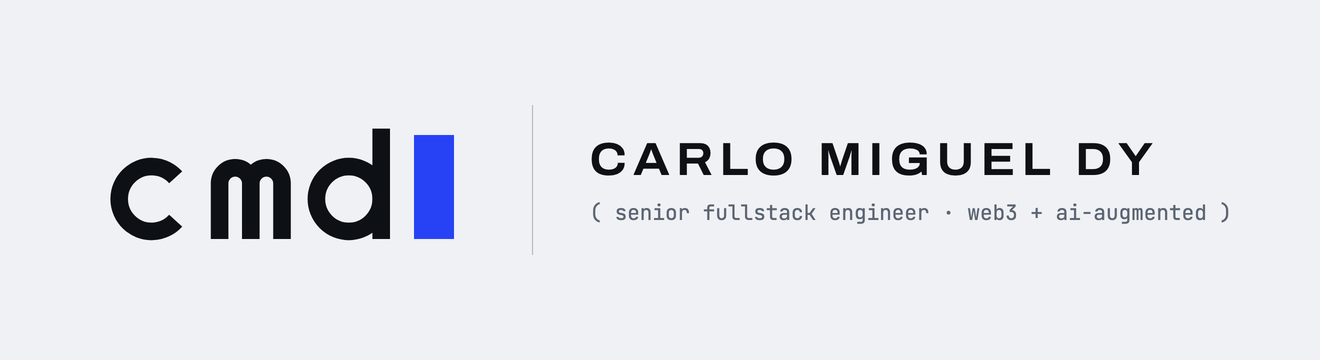
Lockup

Lockup — dark
Color
( abyssal cyan tokens )
Cyan
Cyan — lifted
Ink
Paper
Paper 2
Deep-current blue
Typography
( archivo · hanken · jetbrains )
Dy
Dy
Dy
Ships Web3 products and AI-augmented systems end-to-end — quick brown foxes, jumping over lazy dogs, at 4.5:1 contrast minimum.
( senior fullstack engineer · web3 + ai-augmented · utc+8 )
In person
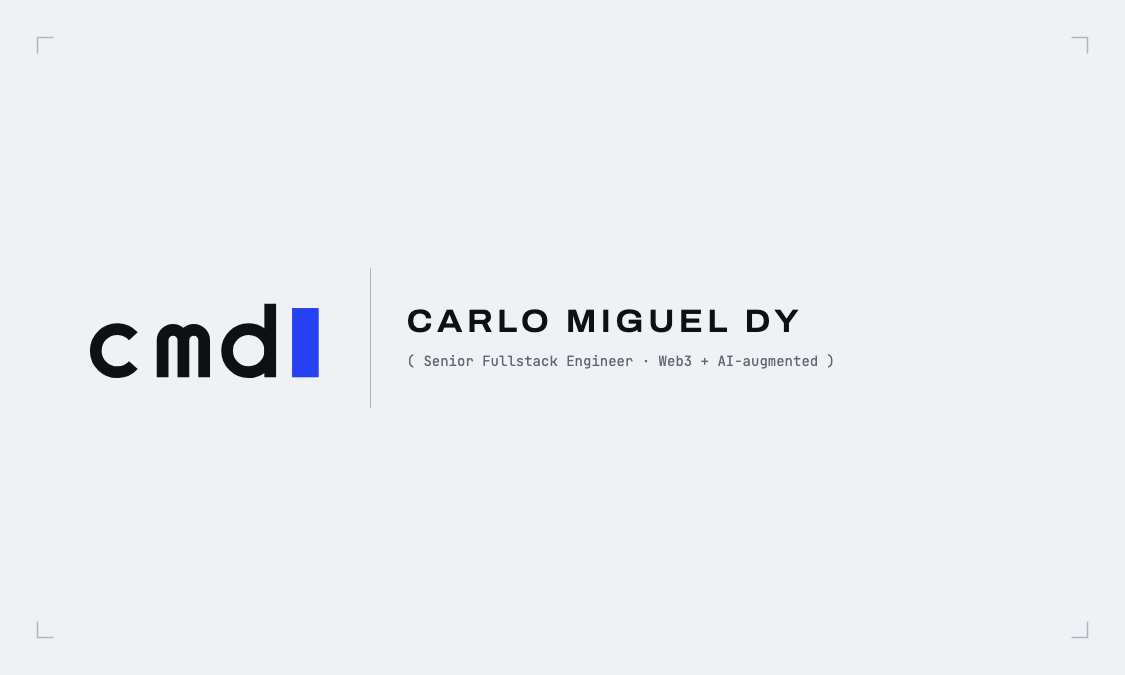
( business card · print )
Email signature
( gmail-ready )
- Hit “Copy signature” above.
- Gmail → Settings → See all settings → General → Signature → Create new.
- Paste, save changes at the bottom — done.
Usage rules
( do · don’t )
( do )
- — Use the SVG masters first; PNGs exist for raster-only surfaces.
- — Place the mark on paper, ink, or a cyan plate — nothing else.
- — Keep one cyan accent per surface; the cursor is usually it.
- — Hold clear space of at least one cursor width on every side.
- — Use the glyph (c + cursor) anywhere below ~96px wide.
( don’t )
- — Don’t retype “cmd” in a font — the mark is drawn geometry. (One sanctioned exception: the imageless email signature.)
- — Don’t recolor the cursor outside cyan / lifted cyan.
- — Don’t add gradients, glows, shadows, or outline effects.
- — Don’t fill anything with deep-current blue — it is depth-only.
- — Don’t stretch, rotate, or set the mark on photography.
Social kit
( avatars · banners · marketing )
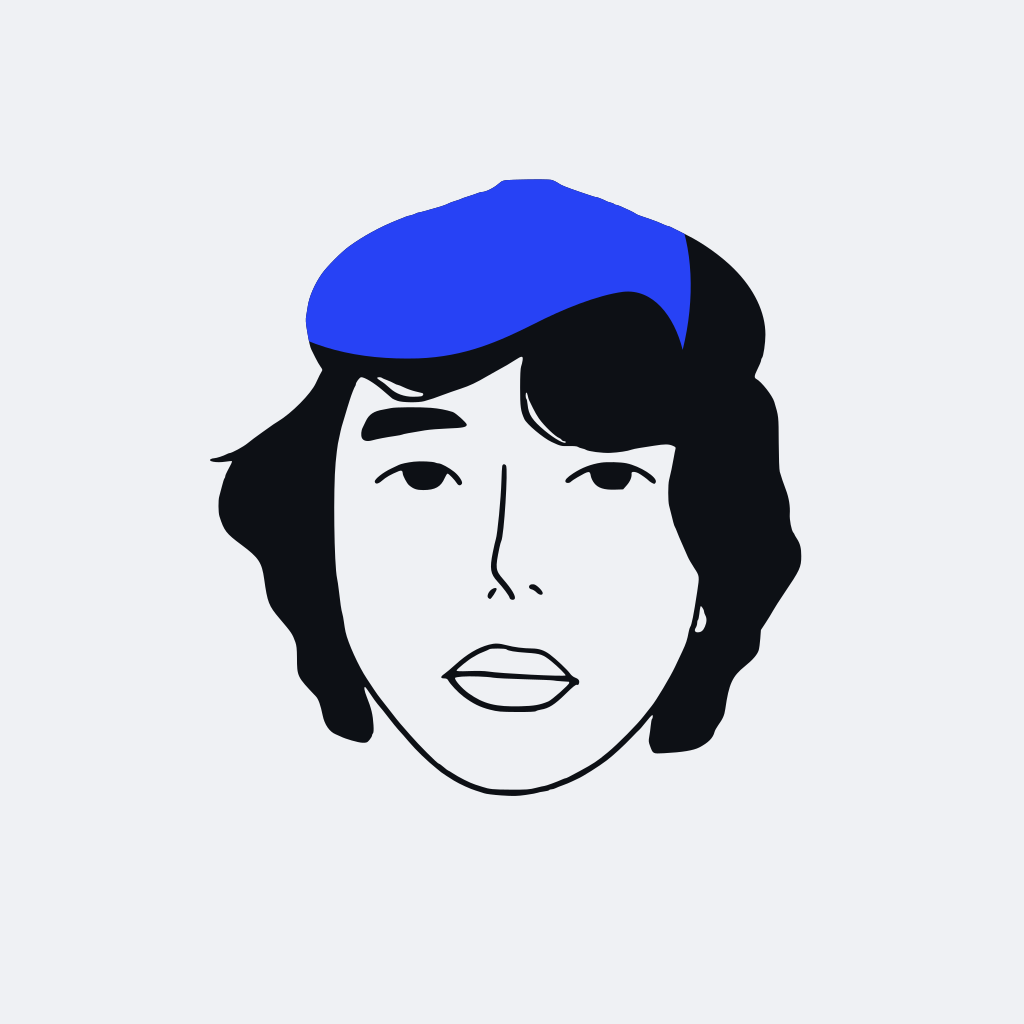
Portrait
( the PFP · svg master · svg · vector )
Portrait — PNG
( avatar uploads · png · 1024×1024 )
Avatar — paper
( canonical · png · 1024×1024 )
Avatar — ink
( dark contexts · png · 1024×1024 )
Avatar — cyan
( loud contexts · png · 1024×1024 )
X header
( 1500×500 · png · 1500×500 )
LinkedIn banner
( 1584×396 · png · 1584×396 )
GitHub social card
( 1280×640 · png · 1280×640 )
SEO share card
( production OG · meta image · png · 1200×630 )
SEO share card — SVG master
( vector master · fonts required · svg · vector )
Marketing — square
( Instagram · LinkedIn feed · png · 1080×1080 )
Marketing — story
( vertical story · png · 1080×1920 )
Marketing — wide
( X · LinkedIn in-feed · png · 1600×900 )
Quote card
( testimonial · shareable · png · 1200×675 )